
Three looks
Average for a true long exposure, Brightest for light trails over a sharp scene, Stacked for sharp copies like a strobe photo.

One frame against two seconds
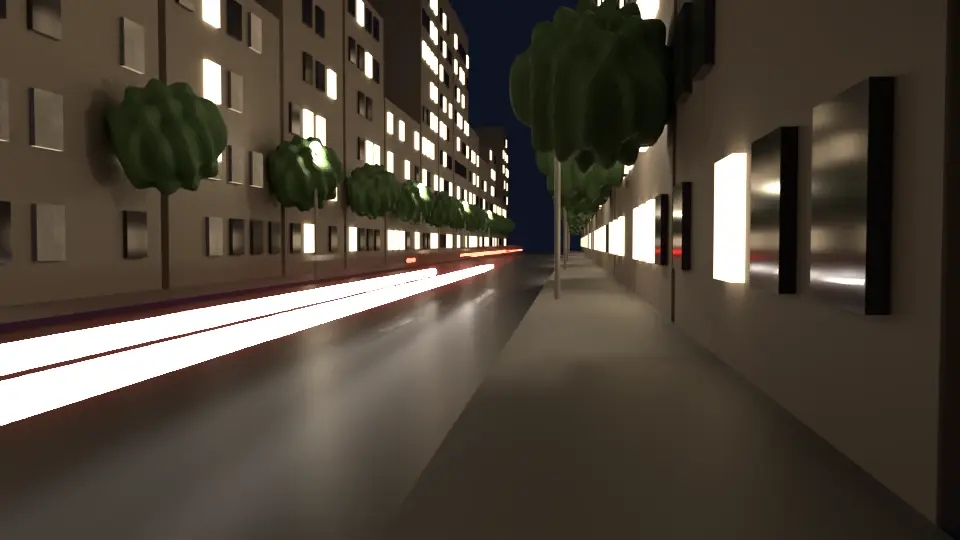
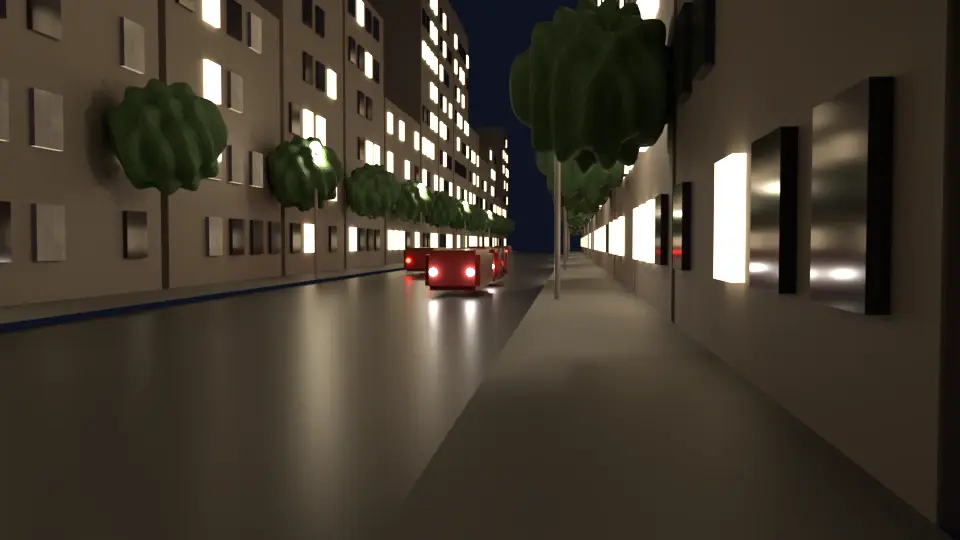 2 s, Brightest One frame
The problem
Motion blur covers at most a frame or two, and a light that crosses the picture in that time leaves a dotted line. A long exposure by hand means rendering every frame, then stacking them in the compositor or another program, and the trails still break where the lights move fast.
ShutterPilot renders every moment the shutter is open, adds moments where things move fast, and gives you one finished picture in Blender.
How it works
What you get
Three looks
Average for a true long exposure, Brightest for light trails over a sharp scene, Stacked for sharp copies like a strobe photo.
Unbroken trails
ShutterPilot measures how far things move on screen and adds moments until a fast light draws a smooth line.
About the time of one still
Your render samples are shared over the moments. On the test street, a 2-second exposure took 1.2 times one still with the same samples.
Cycles and EEVEE
Your compositor develops the finished picture once. Esc stops and keeps what is done, and Ctrl+Z takes the picture back.